
The Reviews System
Product Reviews.
A good reviews system is vital for a good experience for the majority of online shoppers. How many times have you been looking for a specific product, and found your self looking at reviews about the product and the seller before pulling the trigger on the purchase? I know I do it all the time.
So, due to this online shopping trend, we include a very strong product review system as standard with your online store and make it extremely easy for you to use.
The most important thing for you to do is selecting which products you want reviews to be open for. When you add a new product reviews will be selected as standard but if you wish, you can turn them off.
To do this, simply navigate to your product edit page, scroll down to the advanced sub-section and un-tick the ‘Enable reviews’ check box.
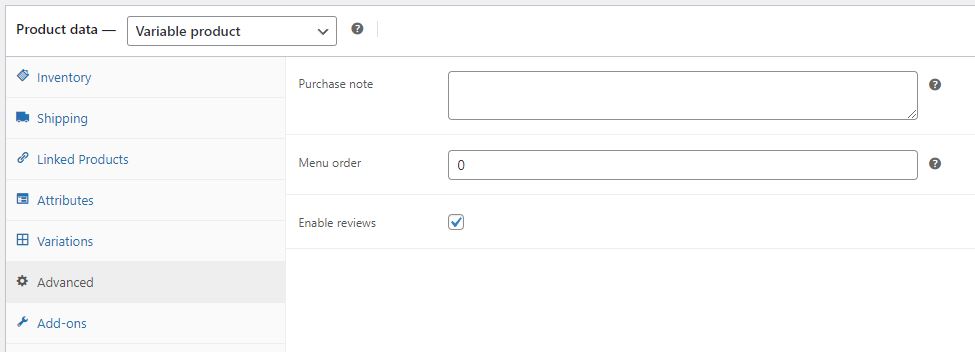
Enable reviews
Once this is done, sit back and wait for the reviews to roll in. As we set it all up for you, including a review reminder email that will be sent to your customers ‘X’ amount of days after completing the sale, this ‘X’ is the amount of days that you wish for your customers to complete, receive and try the items out prior to hopefully submitting a good review.
Reviews options and Actions.
When you receive a review, you will see a small orange circle with a number in next to ‘Reviews’ on the menu structure, and you will receive a ‘New Review’ email notification.
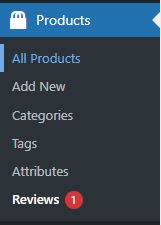
New Review
Now, navigate to the reviews are on the menu structure. (Click ‘Reviews’ next to the orange number displayed.
You will now see a list of the product reviews. In most cases we set the reviews system up so that you must ‘Approve’ new reviews, but this can be changed during our build phase.
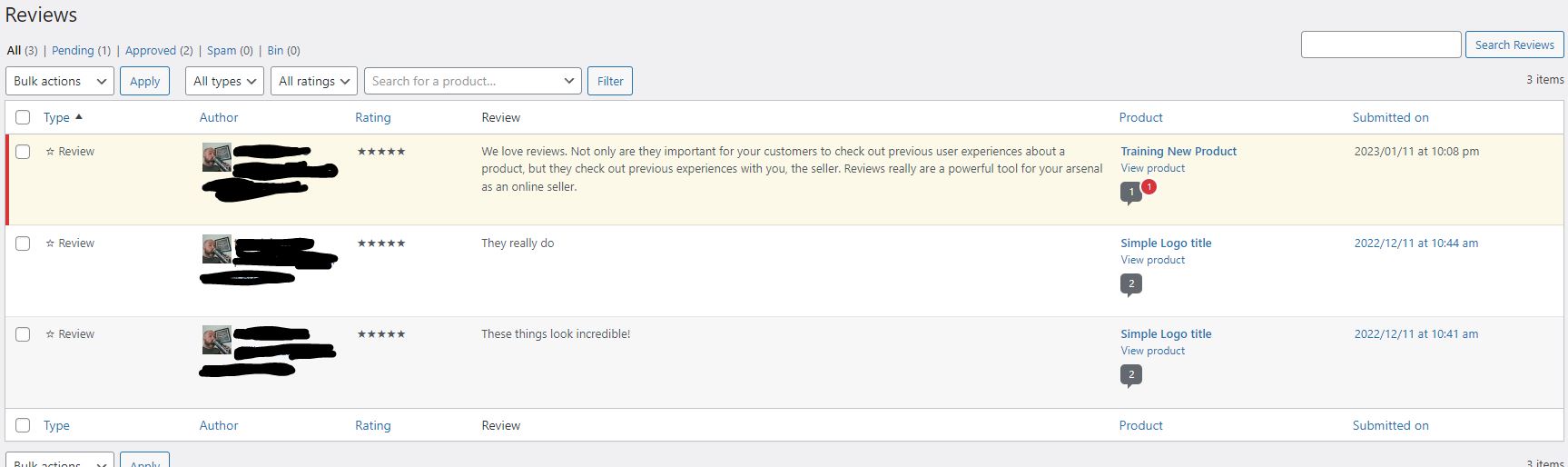
Reviews List
Each review will have options display under them if you hover over them.

Options
As you can see, the options speak for themselves. The important part here is the ‘Approve’ option. If the review meets your stores guidelines and is of an acceptable nature, approving it here will allow it to display on the product page. You have the option to reply to the review here too, which is another good tool to communicate with your previous customers.
Once the reviews start to roll in, the star rating will be displayed on your product page to showcase the product further, in out example we have it just below the add to basket button, to almost entice the customer if they are still a little unsure, to read a review to almost push them in to the sale.
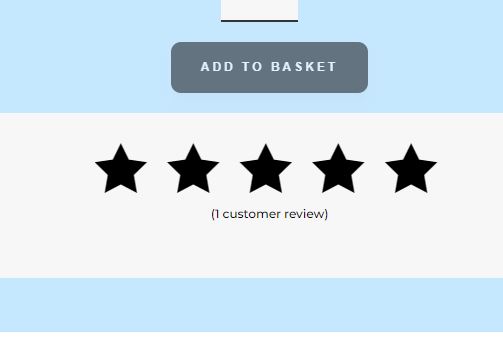
Star rating
That is it for the reviews system, but as always, if you have any questions or troubles, please get in touch.